Git & GitHub
After this workshop, you will:
- Understand what Git and GitHub actually are (and which is which)
- Build a real project with version control, branches, and collaboration, live
- Walk away with a Git cheatsheet and a workflow you can use today
| TIME | WHAT YOU LEARN? | |
|---|---|---|
| Intro | 5 min | |
| 🎫 Phase 1: The Boarding | 5 min | Meet Hodan. See the mess. One sentence: what Git is. |
| 🛫 Phase 2: The Flight | 30 min | Hands-on demo. VS Code GUI first, then terminal. Then GitHub. |
| 🛬 Phase 3: The Landing | 5 min | The full concept map + cheatsheet. Now it's a reference, not a lecture. |
| ❓Q & A | 10 min | Baked in between each problem. |
❗ Prerequisites
- No experience required
- Install VS Code: code.visualstudio.com
- Install Git: git-scm.com
- Create a free GitHub account: github.com
- Following along? Have VS Code and a browser open side by side
▶🎫 Phase 1: The Boarding
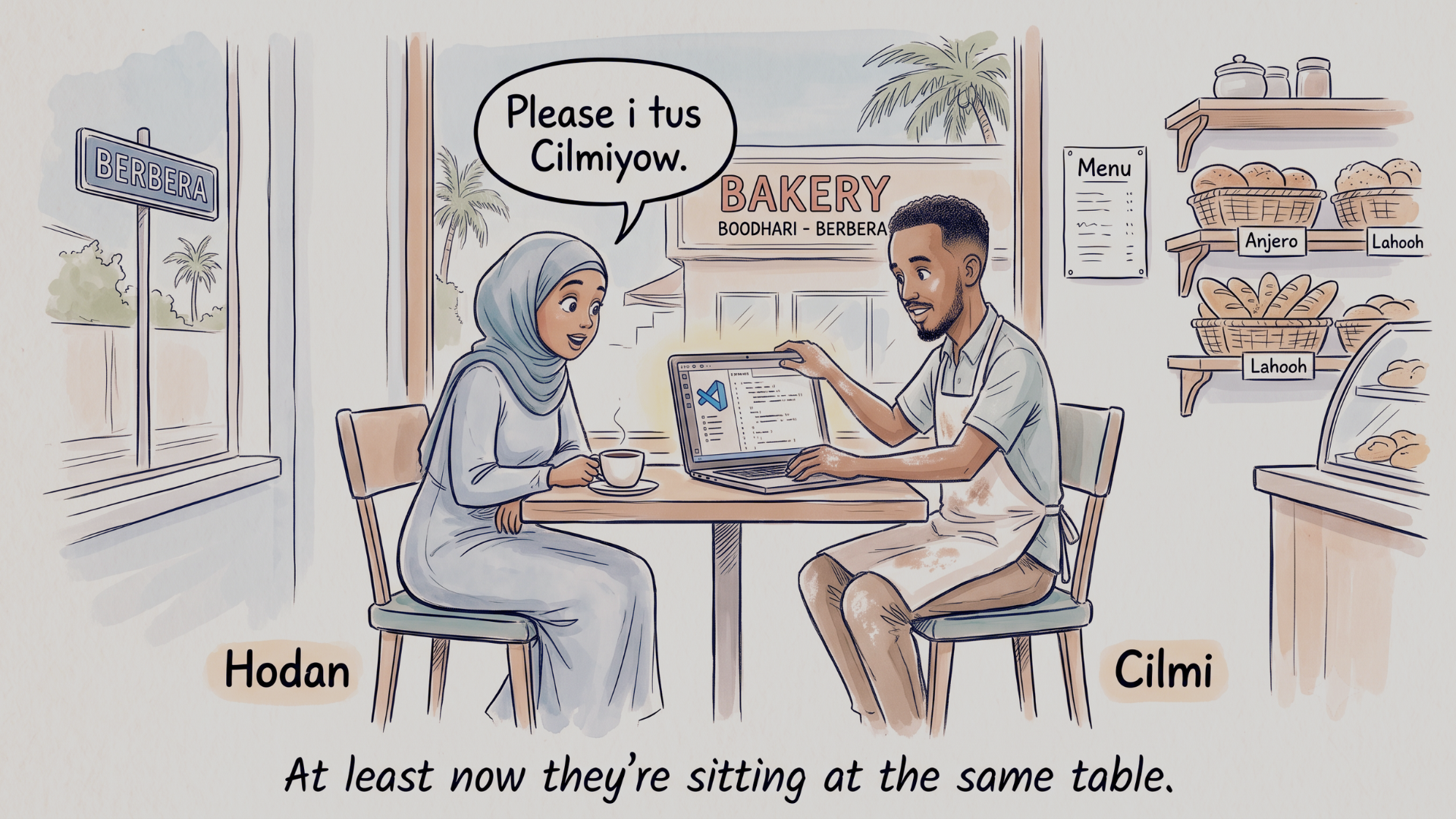
Meet Hodan
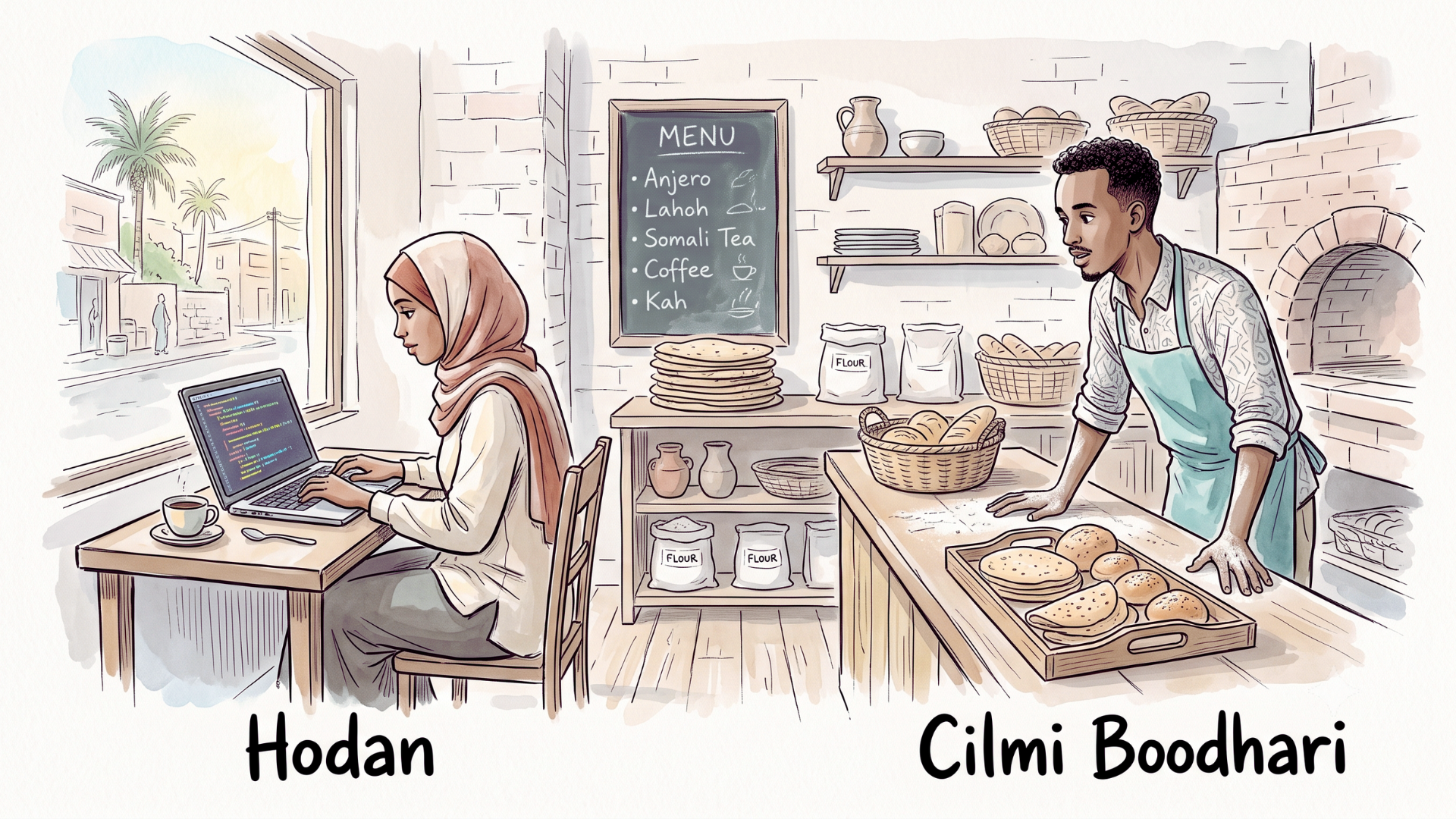
Hodan lives in Berbera. She just finished The Client: HTML & CSS and built her first website for a local business.
Every morning she works on it from the same bakery. Every morning Cilmi Boodhari watches her code while making bread. Between shifts, he's learning to code.
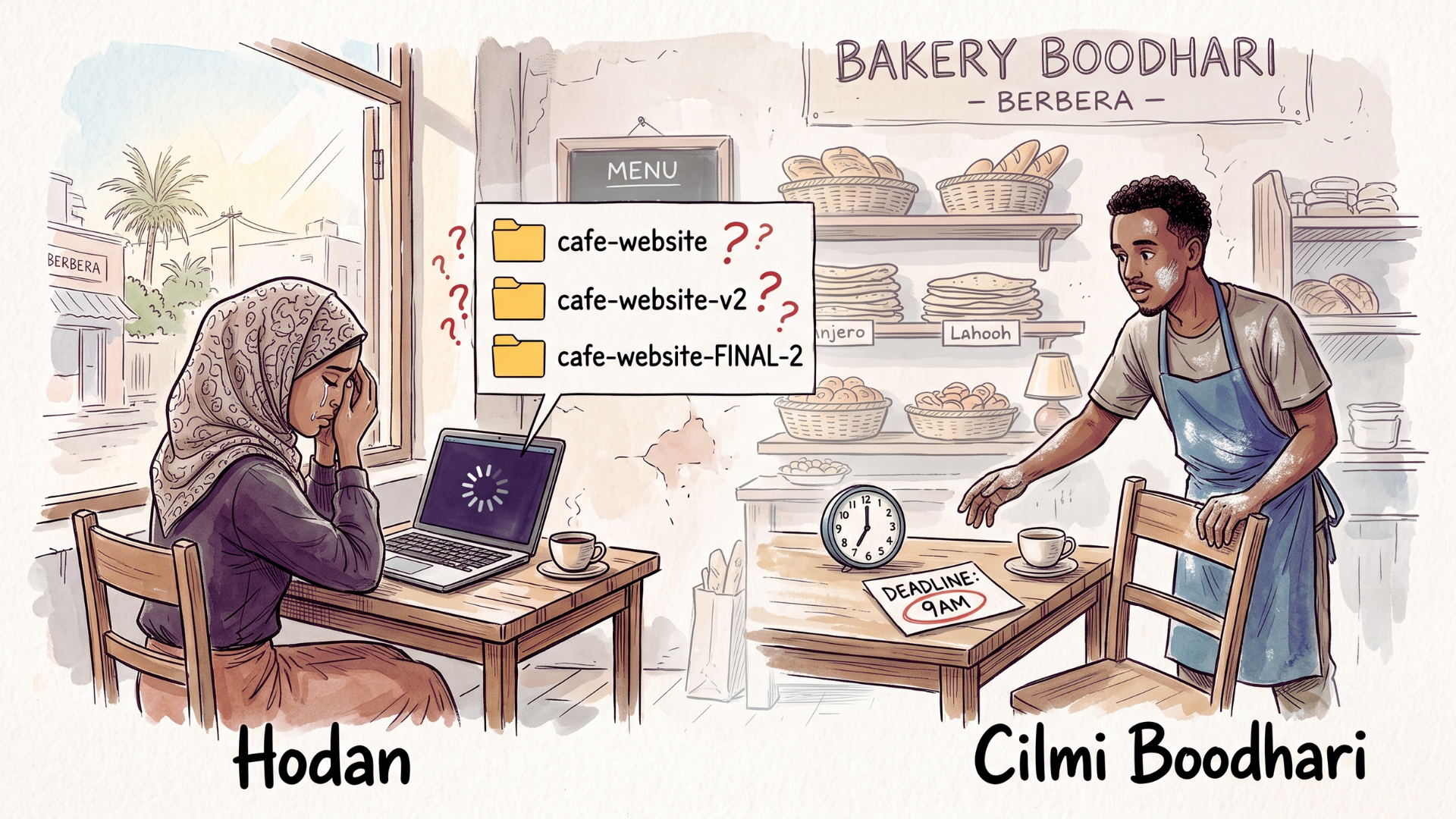
One morning she's not coding. She's crying.
Cilmi rushes over. "What happened?"
"The deadline is in two hours. I've been up all night editing the wrong file. And my laptop just froze. Everything is gone."
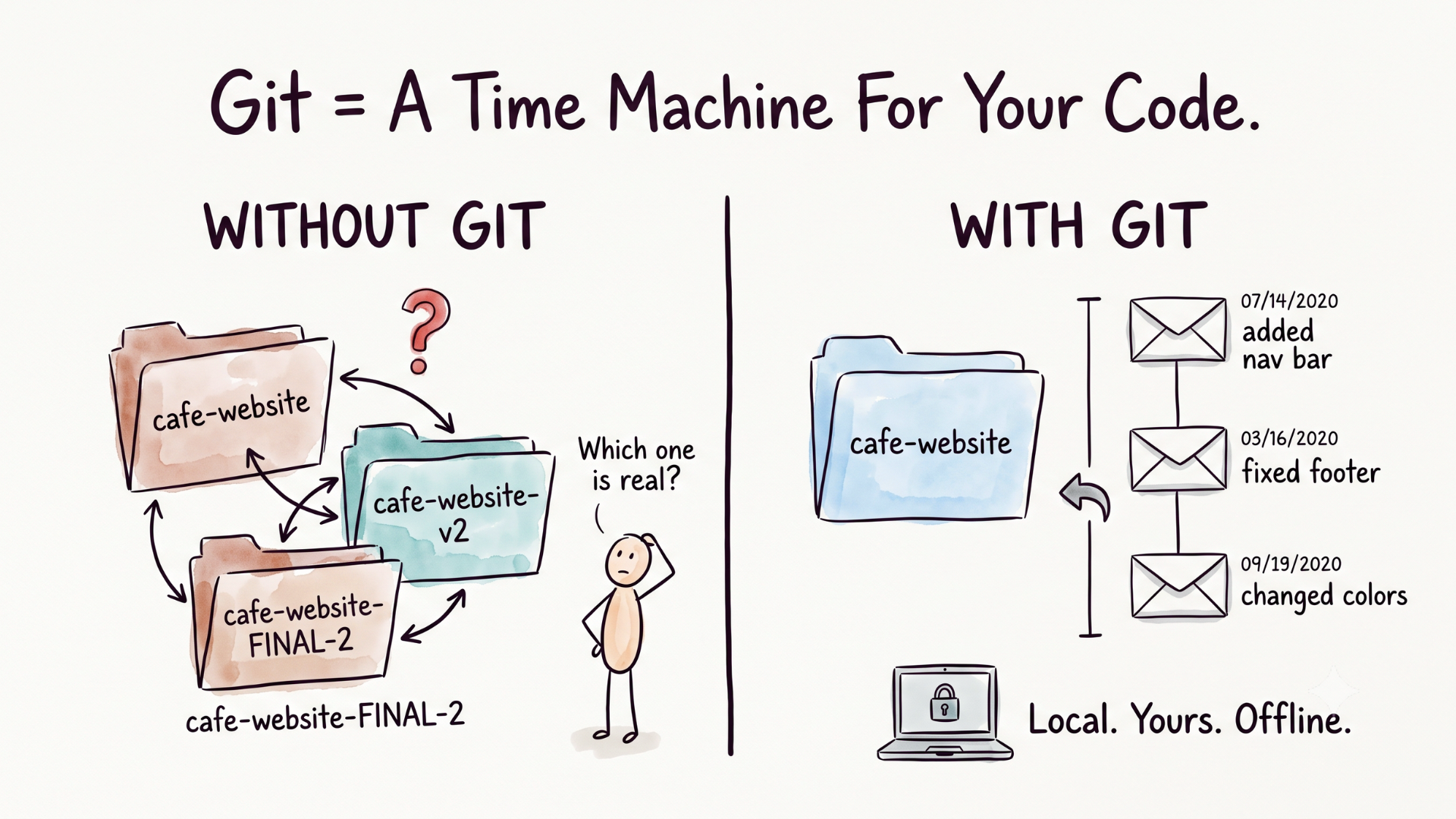
cafe-website → cafe-website-v2 → cafe-website-FINAL-2
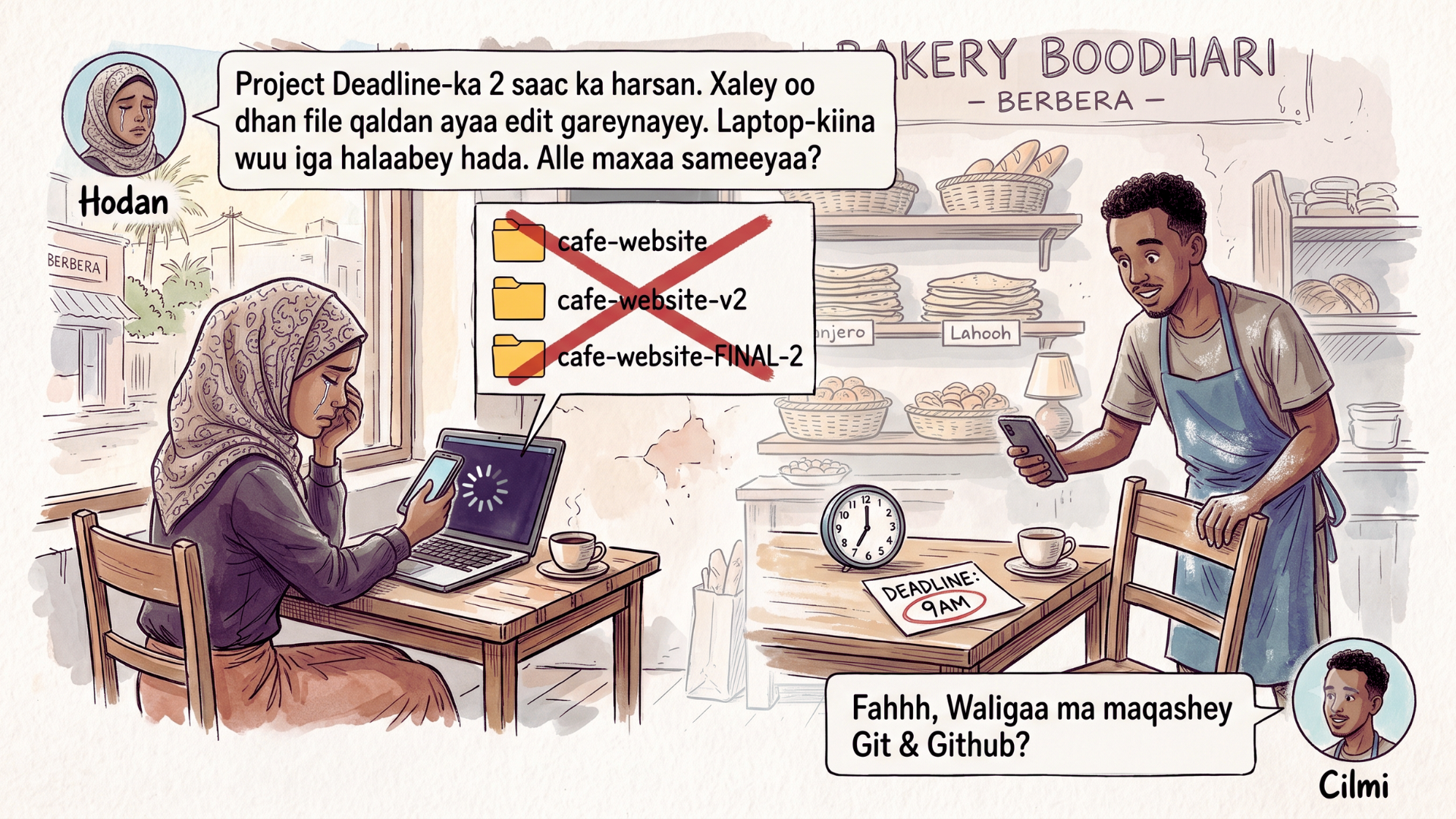
Cilmi sits down. "Have you heard of Git and GitHub?"
She wipes her eyes. "Is that a new AI?"
"No. I use them for my poems."
He pauses.
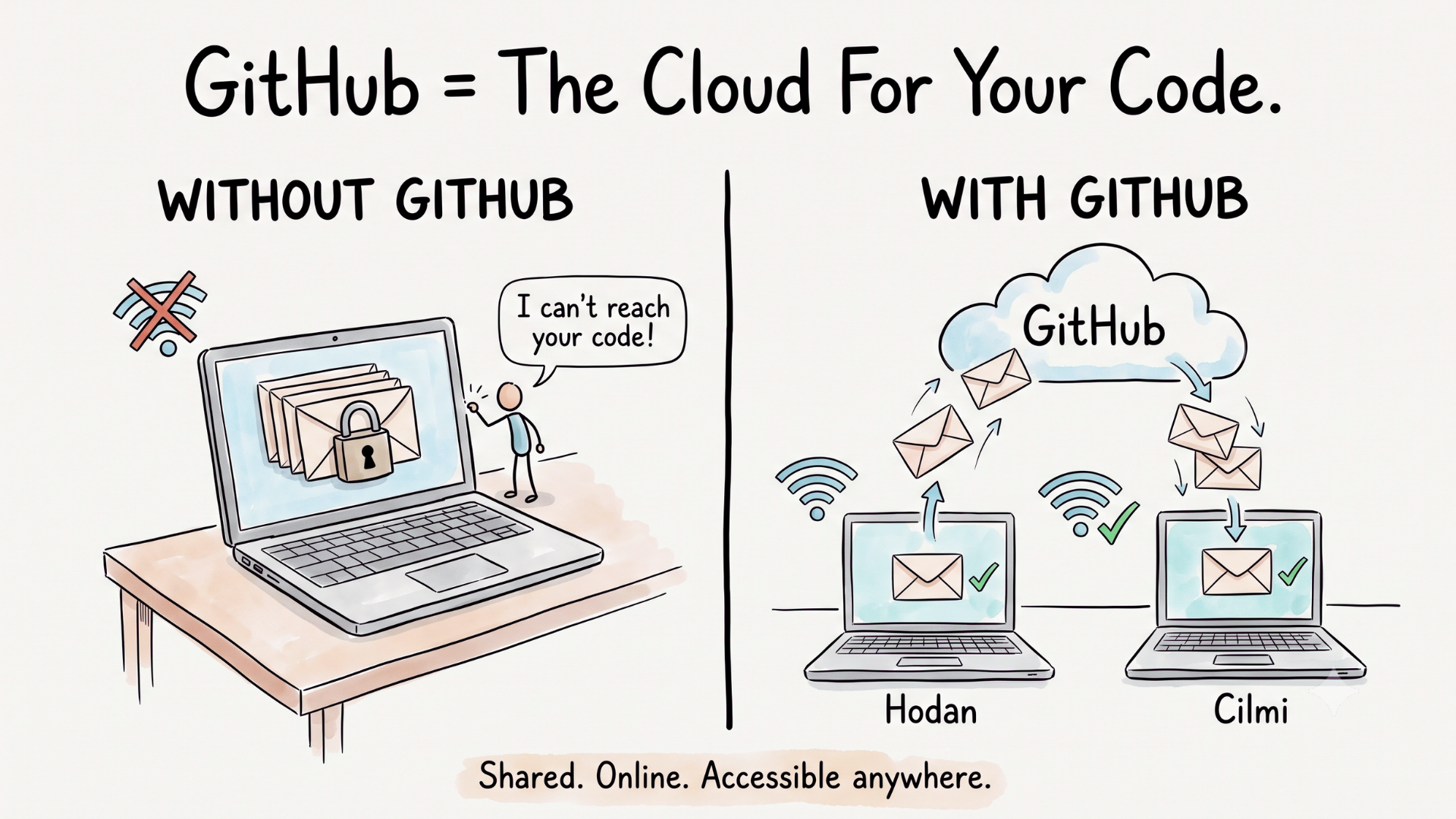
"Git gives me versioning. I never lose a single draft. GitHub stores everything in the cloud. I can access my work from any machine. If my laptop dies tomorrow, every word is still there."
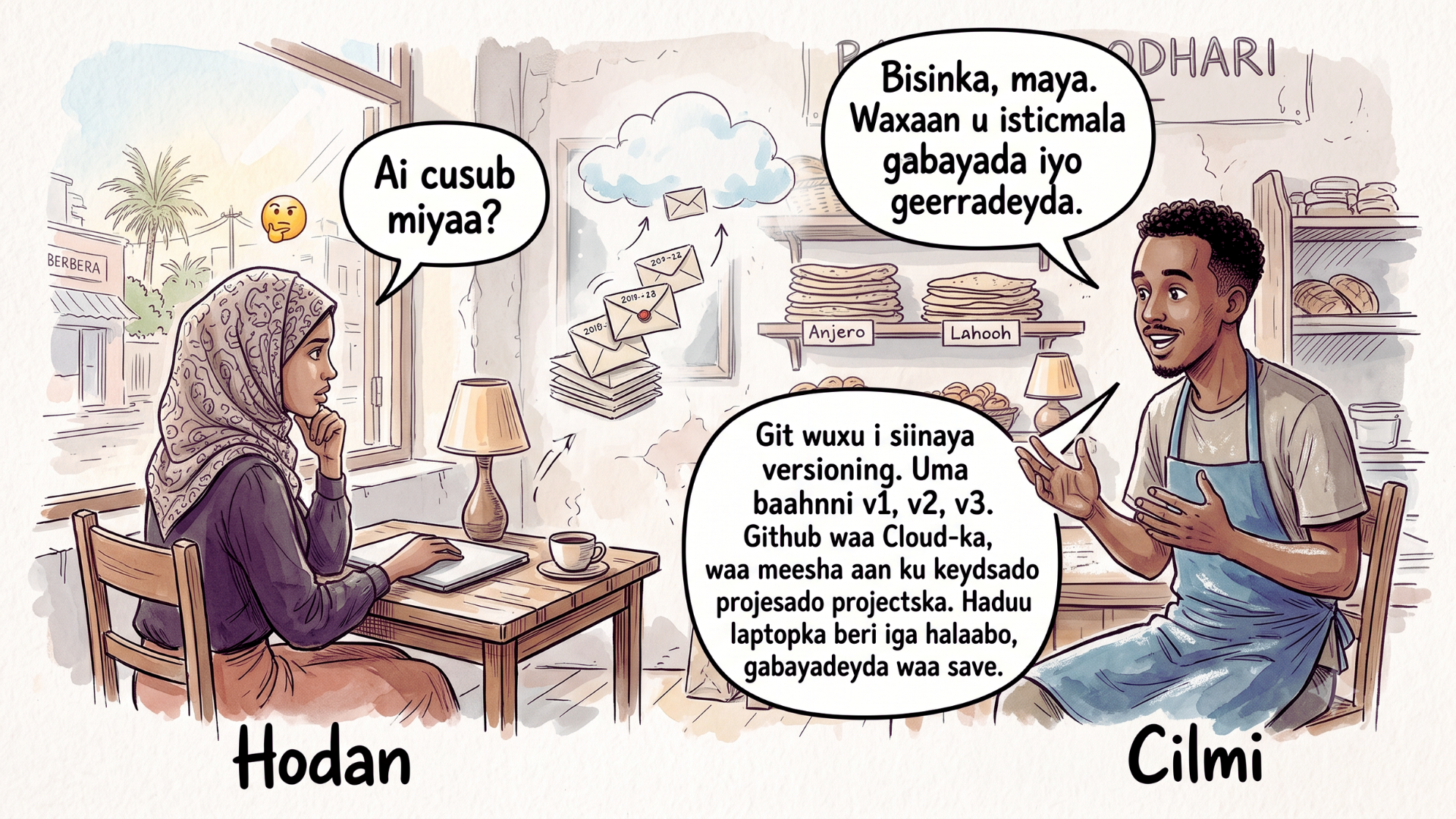
Hodan stares at him. "Show me."
He pulls up a chair. He opens VS Code.
At least now they're sitting at the same table.
What is Git?
What is GitHub?
Git vs GitHub
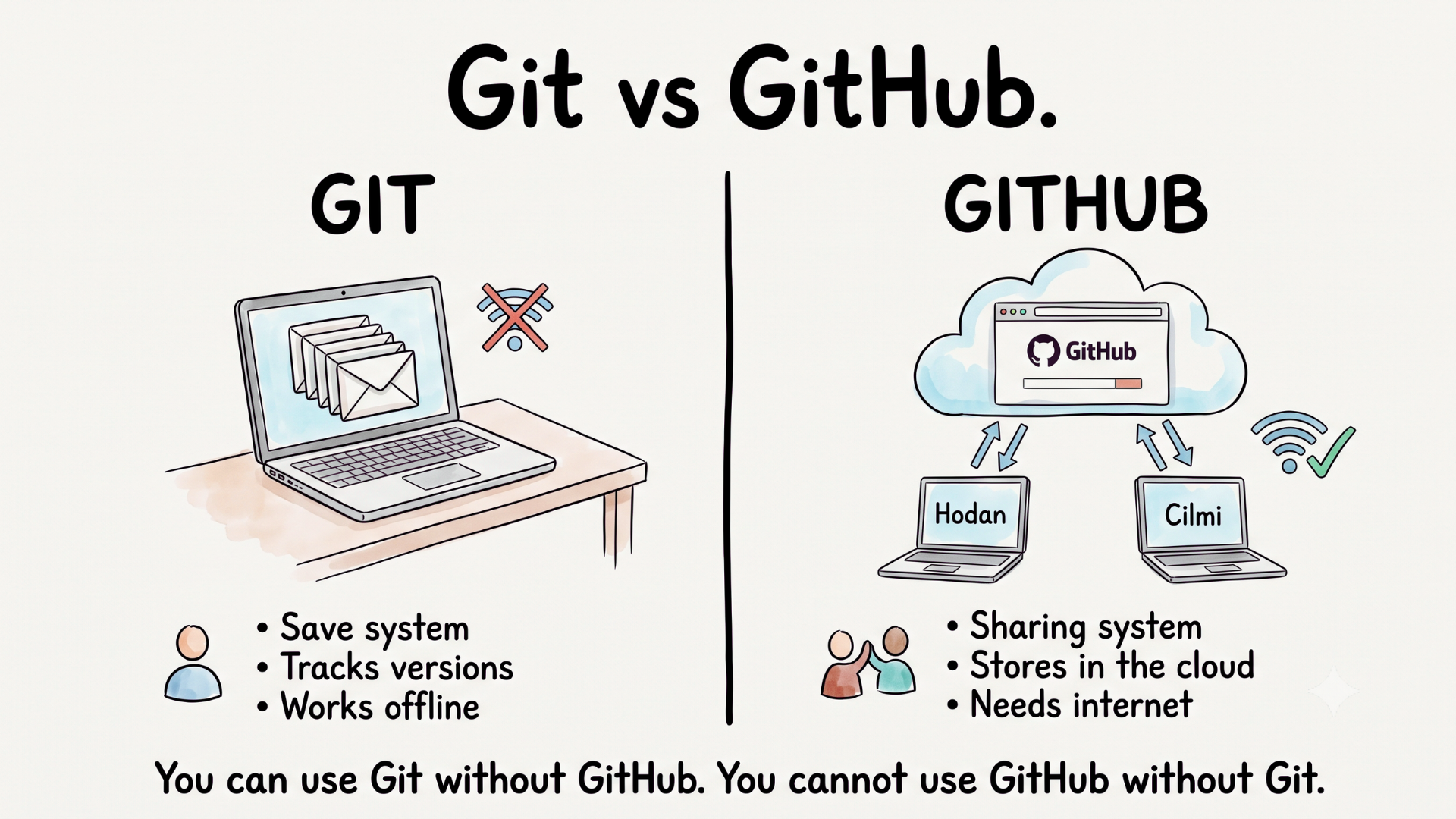
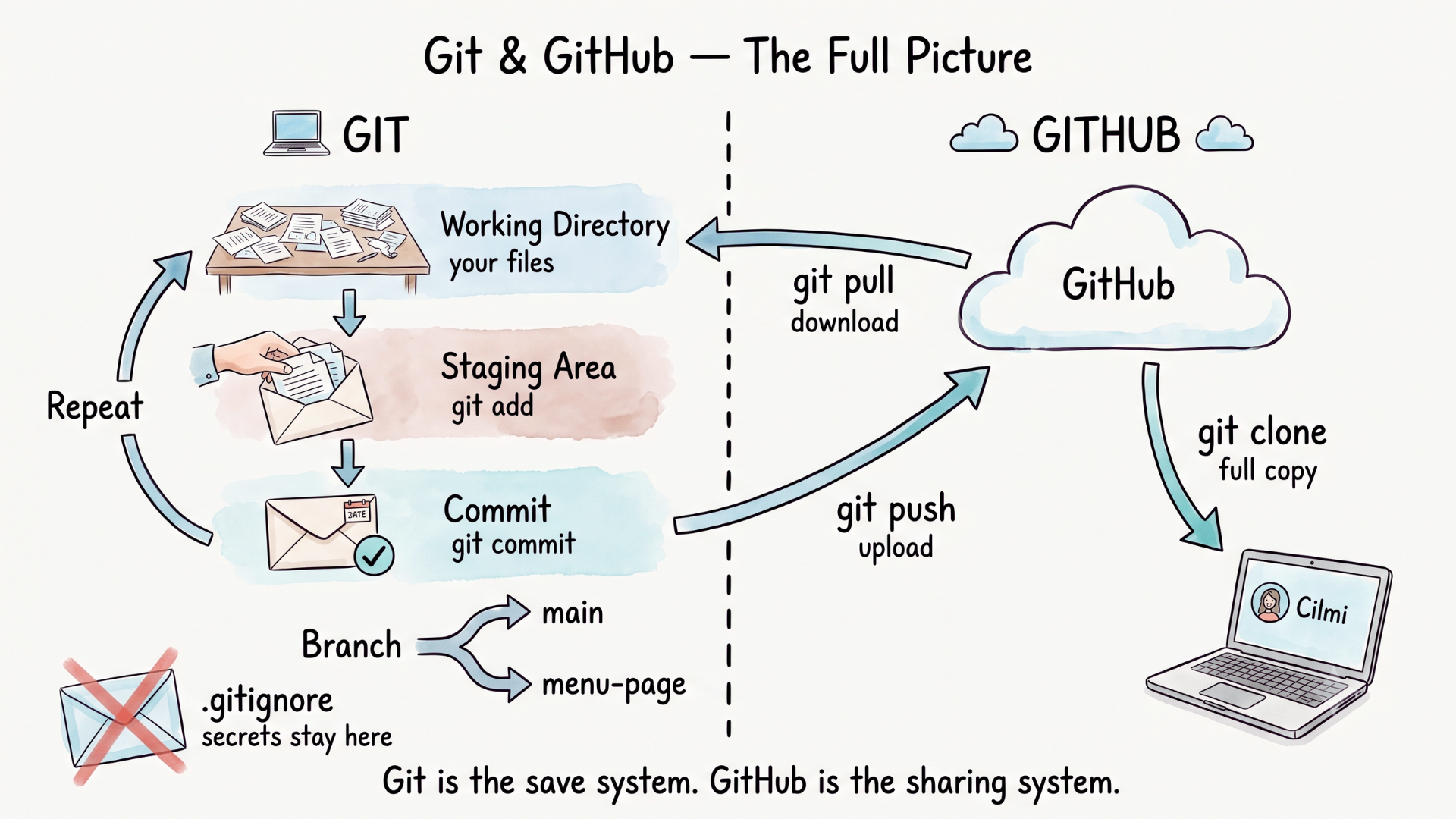
"Git is the save system. GitHub is the sharing system. You can use Git without GitHub. You cannot use GitHub without Git."
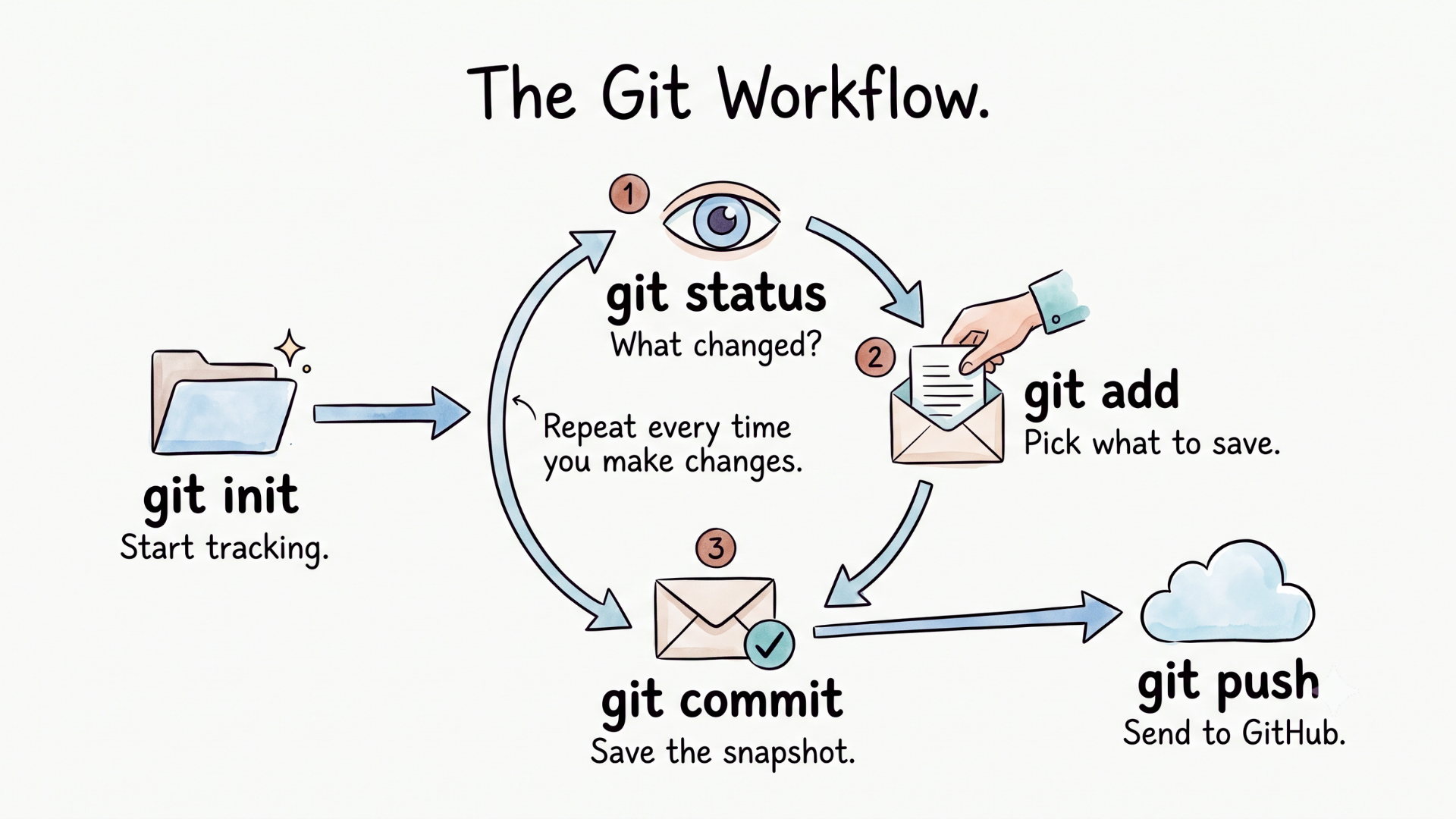
The Git Workflow
▶🛫 Phase 2: The Flight
Now we build. No slides. No theory. Just VS Code and a terminal.
Demo 1: Git basics
🖥️ VS Code GUI
- Open the cafe project in VS Code
- Source Control panel (Ctrl+Shift+G) → see changes
- Click + next to changed files → stage them
- Type a message in the box, click the checkmark → commit
- git log in terminal → proof every version is saved
⌨️ Same thing, Terminal
- git init → start tracking
- git status → see what changed
- git add . → stage all changes
- git commit -m "Added nav bar and footer" → save the snapshot
- git log → every version, every message, forever
Same result. The buttons do the same thing as the commands.
Demo 2: GitHub + Collaboration
Push to GitHub
- Create a new repo on GitHub (live in browser)
- git remote add origin URL → connect local to GitHub
- git push -u origin main → upload
- Refresh GitHub → your code is online
Invite + Clone
- GitHub: Settings > Collaborators > send invite
- The other person: git clone URL → full copy on their machine
Branch + Pull Request
- VS Code GUI: click branch name (bottom-left) → create new branch
- Terminal: git checkout -b new-feature
- Make a change, commit, push the branch
- Open a Pull Request on GitHub → walk through the PR UI
.gitignore
- Create .gitignore file
- Add .env and node_modules/
- git status → the ignored files disappear
- Some files never leave your machine
Pull (stay in sync)
- git pull → download the latest changes from GitHub
- Both machines are in sync
⚡ Demo 2 Cheatsheet
Connect + Push
- git remote add origin https://github.com/hodan/cafe-website.git → connect to GitHub
- git push -u origin main → first upload to GitHub
- git push → upload after the first time
Clone + Collaborate
- git clone https://github.com/hodan/cafe-website.git → copy a project from GitHub
- git pull → download teammate's latest changes
Branch
- git branch → see all branches
- git checkout -b menu-page → create and switch to a new branch
- git checkout main → switch back to main
- git push -u origin menu-page → push your branch to GitHub
.gitignore
- Create a file called .gitignore in your project root
- Add .env → hides your secret keys
- Add node_modules/ → hides installed packages
- Add .DS_Store → hides Mac system files
▶🛬 Phase 3: The Landing
Git & GitHub in one picture
▶The Full Cheatsheet
⚡ Git Commands
- git init → start tracking a project
- git status → see what changed
- git diff → see exactly what changed before staging
- git add . → stage all changes
- git add index.html → stage one file
- git commit -m "Added nav bar and footer" → save a snapshot
- git log → see commit history
- git log --oneline → compact history, one line per commit
- git branch → see all branches
- git checkout -b menu-page → create and switch to a new branch
- git checkout main → switch back to main
- git merge menu-page → merge a branch back into main
⚡ GitHub Commands
- git remote add origin https://github.com/hodan/cafe-website.git → connect to GitHub
- git push -u origin main → first upload to GitHub
- git push → upload after the first time
- git push -u origin menu-page → push a branch to GitHub
- git pull → download teammate's latest changes
- git clone https://github.com/hodan/cafe-website.git → copy a project from GitHub
⚡ VS Code GUI Equivalents
- Source Control panel (Ctrl+Shift+G) → see changes
- + button → stage files
- Message box + checkmark → commit
- Sync button → push and pull in one click
- Bottom-left branch name → switch or create branches
⚡ .gitignore
- Create a file called .gitignore in your project root
- .env → hides your secret keys
- node_modules/ → hides installed packages
- .DS_Store → hides Mac system files
The Promise delivered?
Bonus: Deploy your site for free with GitHub Pages.
🔗 Resources
| Resource | Link |
|---|---|
| Download VS Code | https://code.visualstudio.com |
| Install Git | https://git-scm.com |
| GitHub | https://github.com |
| Git cheatsheet | [PDF link coming soon] |
| Workshop recording | [YouTube link coming soon] |
⚡ Want more?
Bashi Academy teaches you the foundation behind it.
- HTML, CSS, JavaScript, React, Python etc.
- Same teaching style, project-first
- Real things from day one
Join us → bashi.academy